
Rivilo: the workspace we built because nothing else worked


Introducing Rivilo
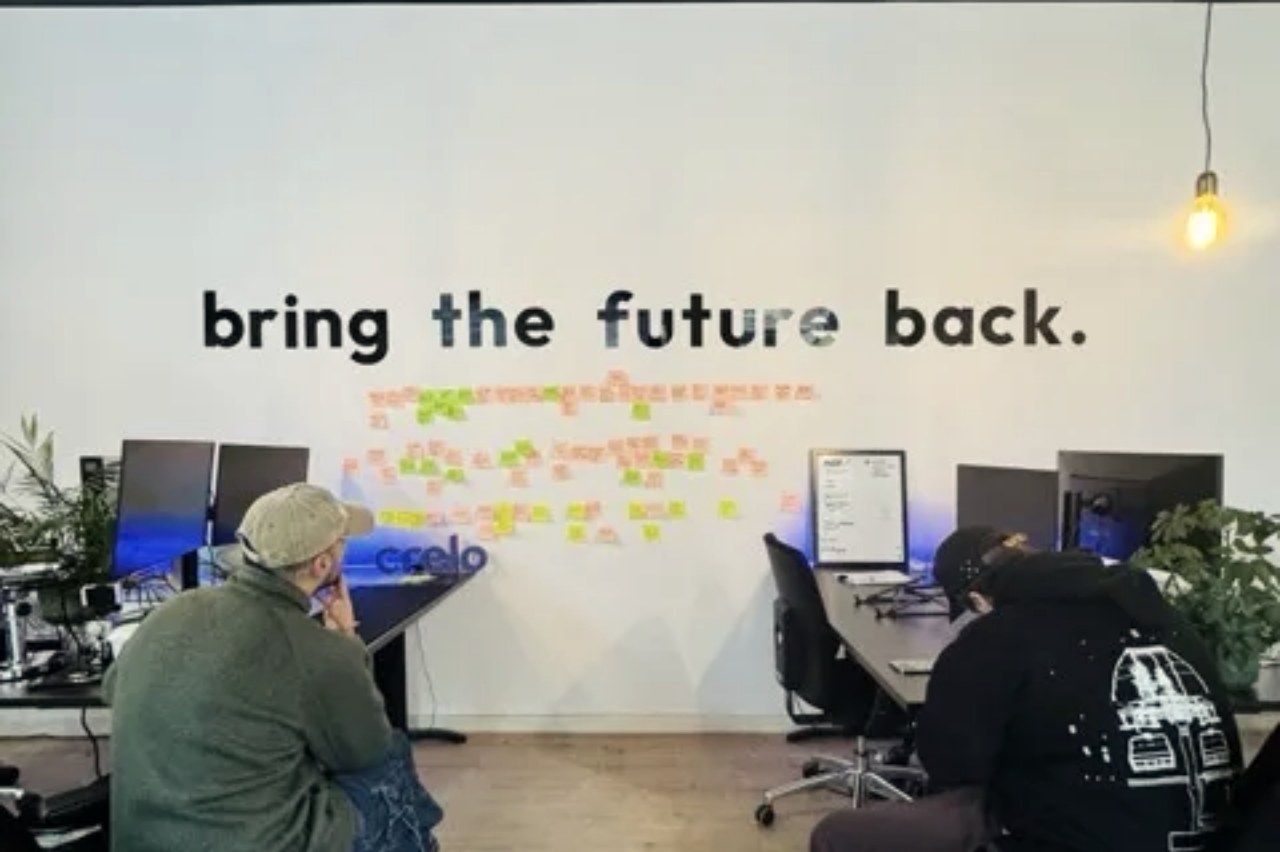
It started with a Mac Mini under the desk and an agent called Bob. Some of it was good, most of it was unreliable, and when we gave it a robot body, it danced. So we covered a wall in post-its and asked what an AI in our team should never be allowed to do. Then we built our own, ran the studio on it and cancelled every project tool we paid for. That year of getting it wrong became Rivilo: one workspace for the inbox, the boards, the documents, the hours and the invoices, with an agent that knows all of it. Rick at Uncode was the first to run his week on it outside our studio. Today Rivilo is in private beta for other teams.


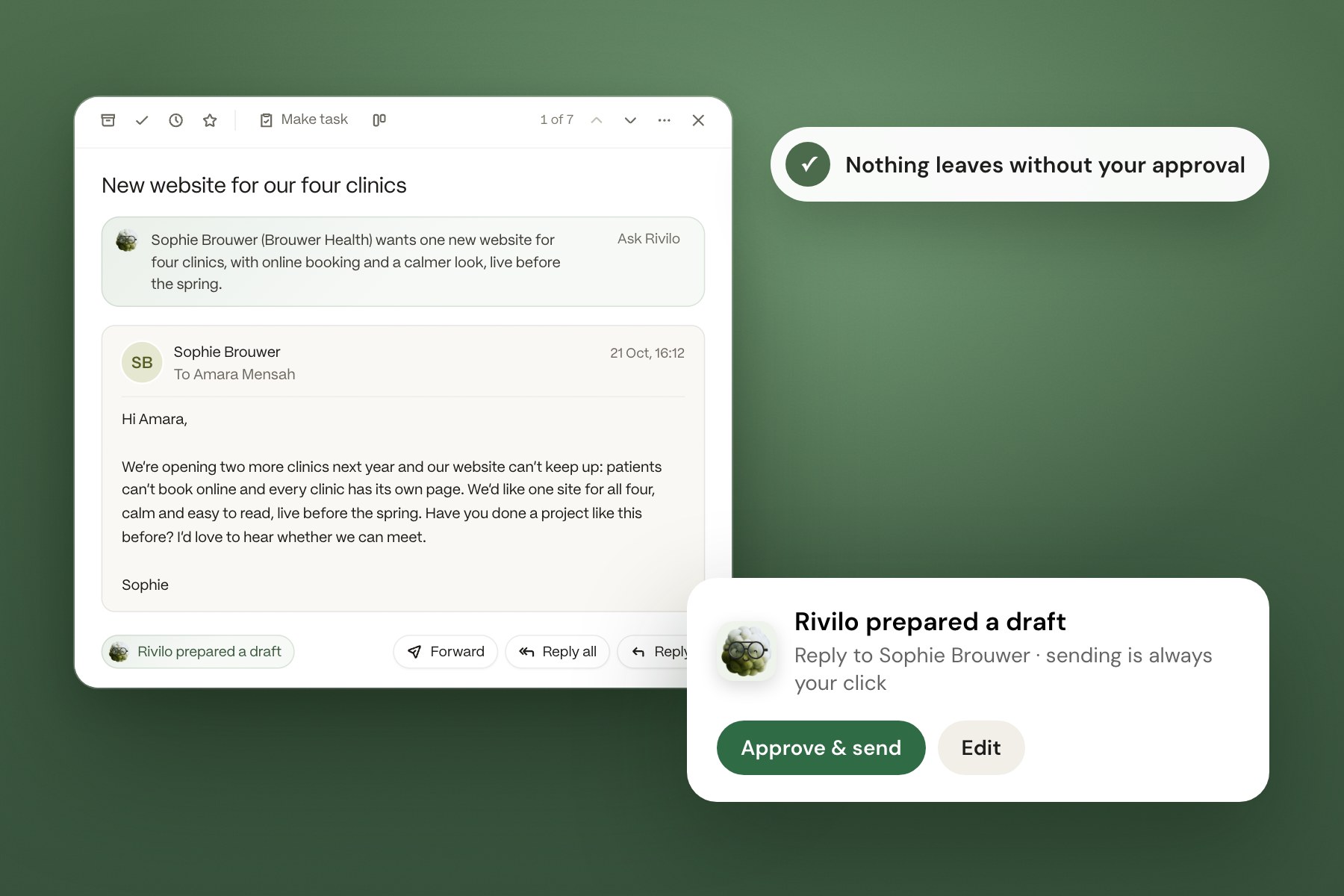
Nothing leaves without a person approving it
That is the one rule that survived the wall. Rivilo does the groundwork nobody was hired for: it reads the mail, puts it on the right board with the context attached and writes the first draft. Then it stops. Every reply, document and invoice is a draft until a person approves it. Judgement, taste and the client relationship stay with the people who were hired for them. Rivilo reads work, not people: your data stays in the EU, only what a task needs goes to the AI model, and nothing is used for training.
What happens when a client asks for a proposal
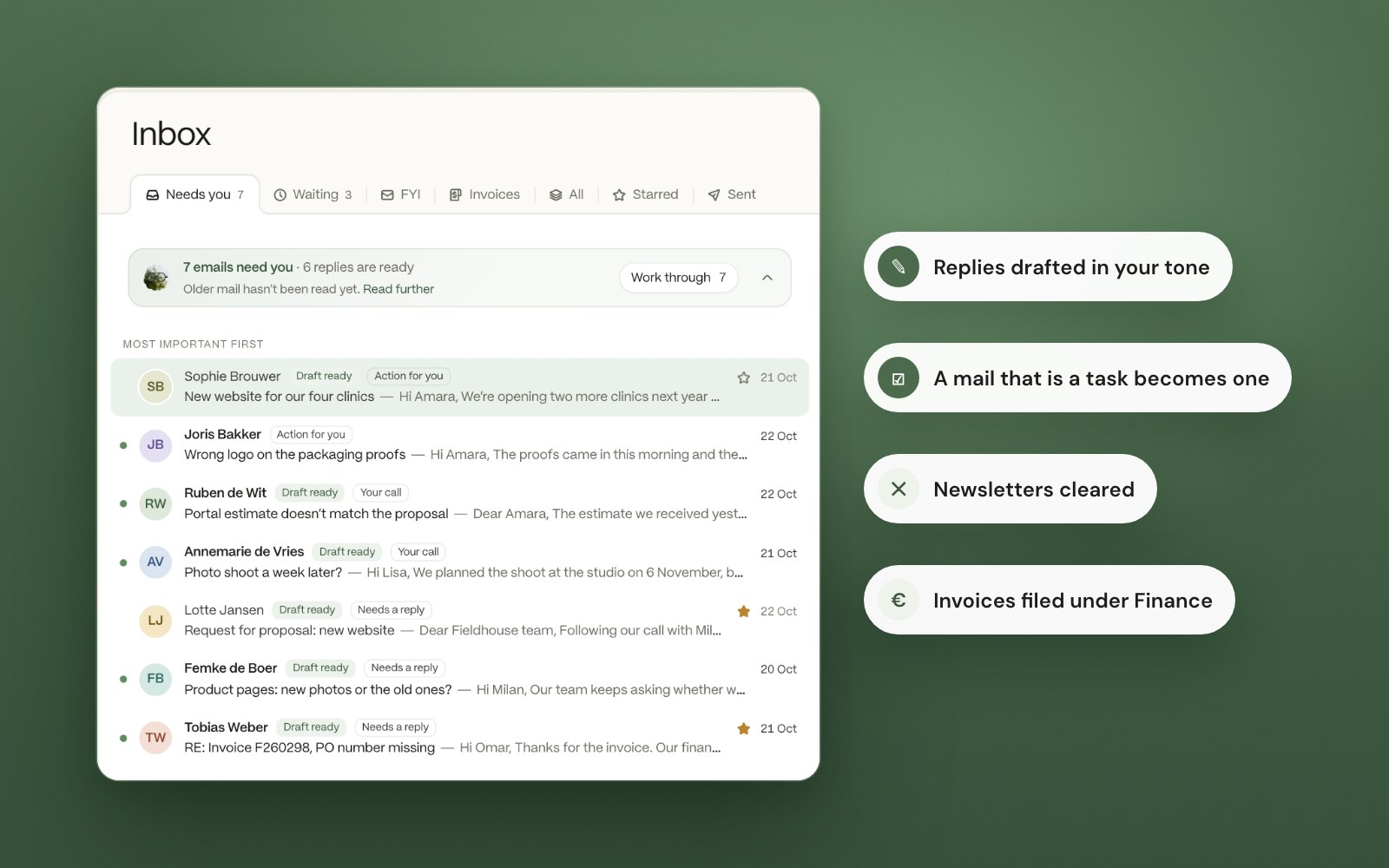
1. The request lands
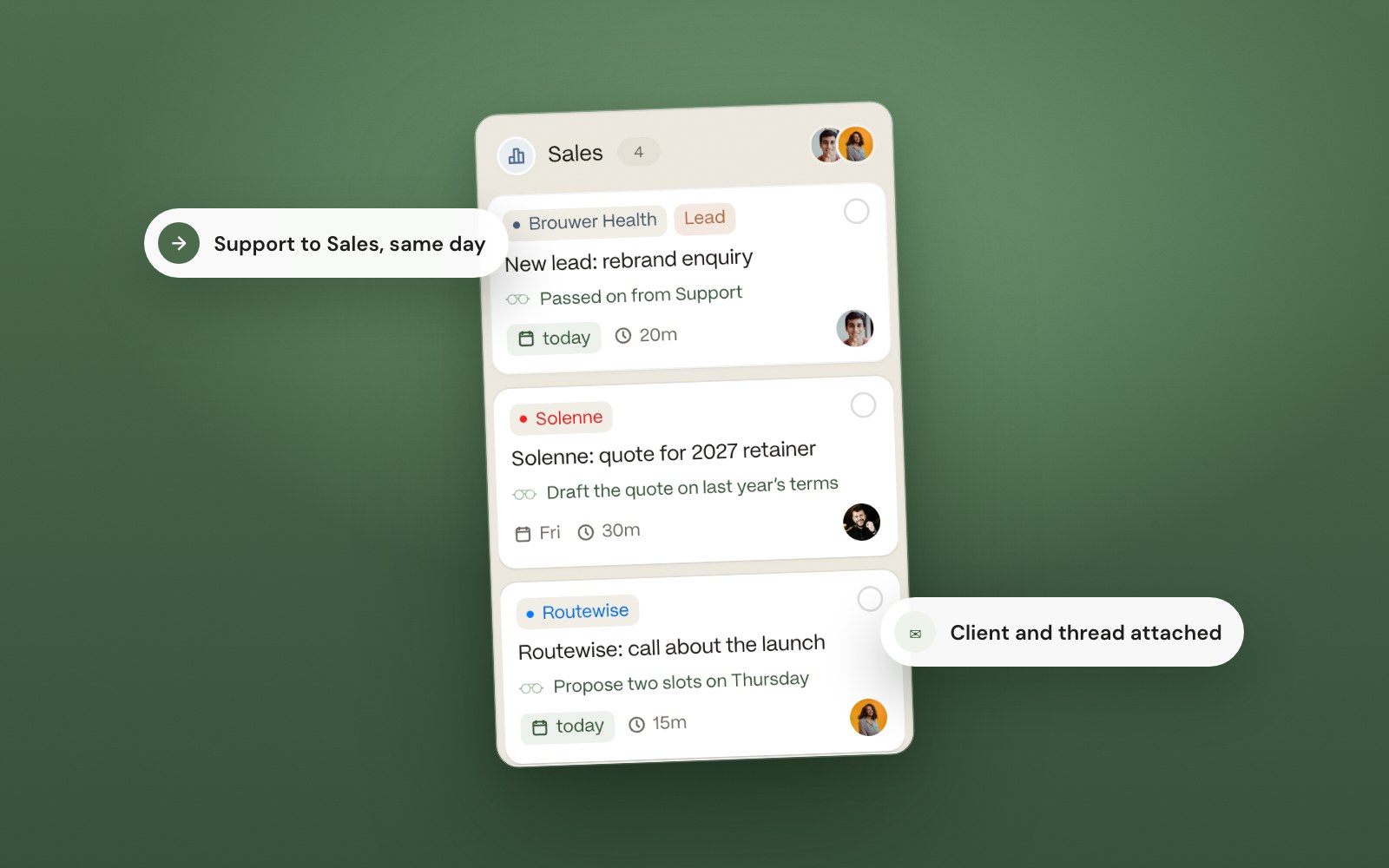
Annemarie emails: can you send me the proposal? Before anyone has opened the inbox, Rivilo has put it on the Sales board with a deadline.
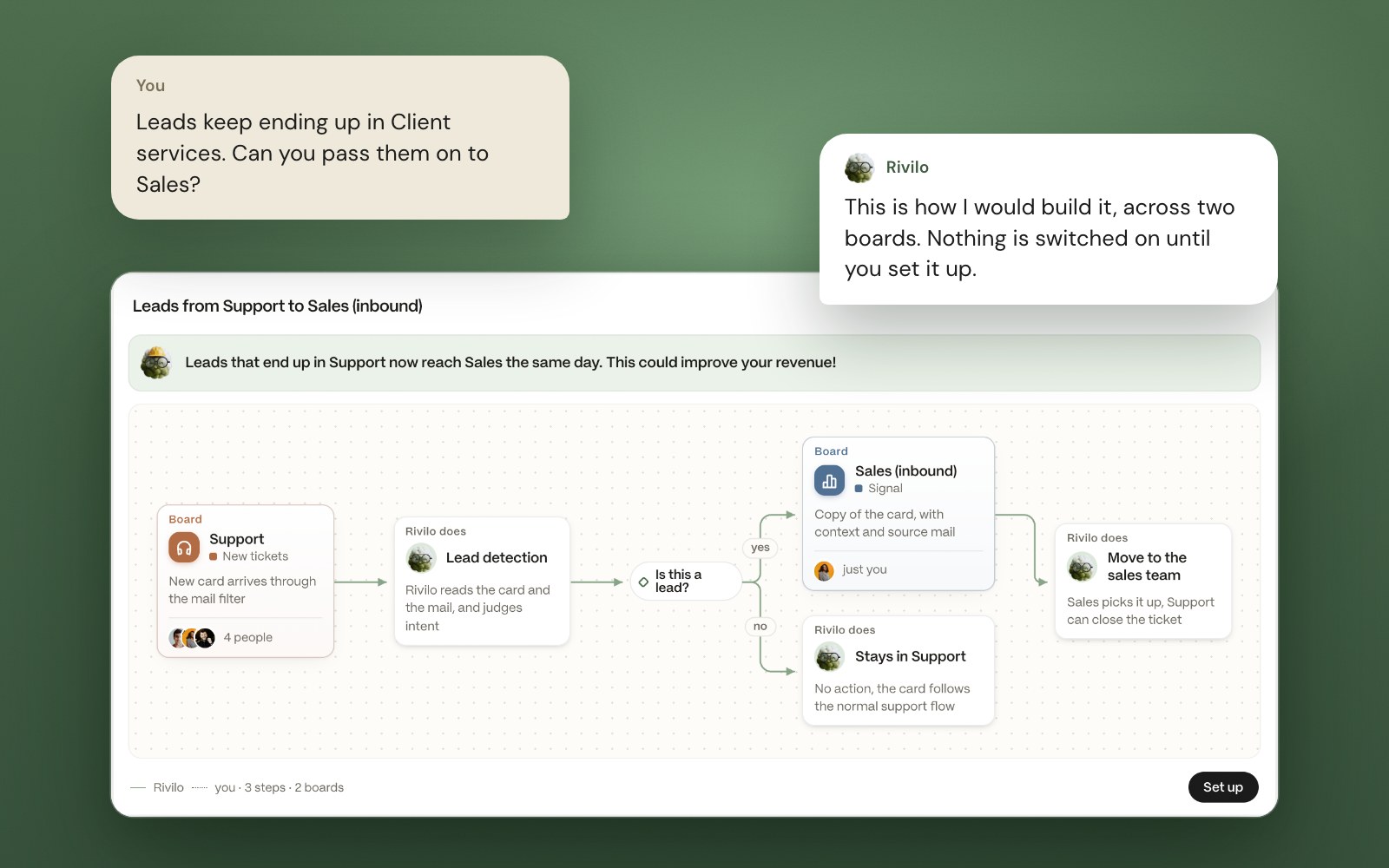
2. Context, without searching
Rivilo pulls in what it already knows: the rates agreed in June, the campaign deadline and the transcript of the call. Nobody digs through fourteen threads.
3. It asks before it writes
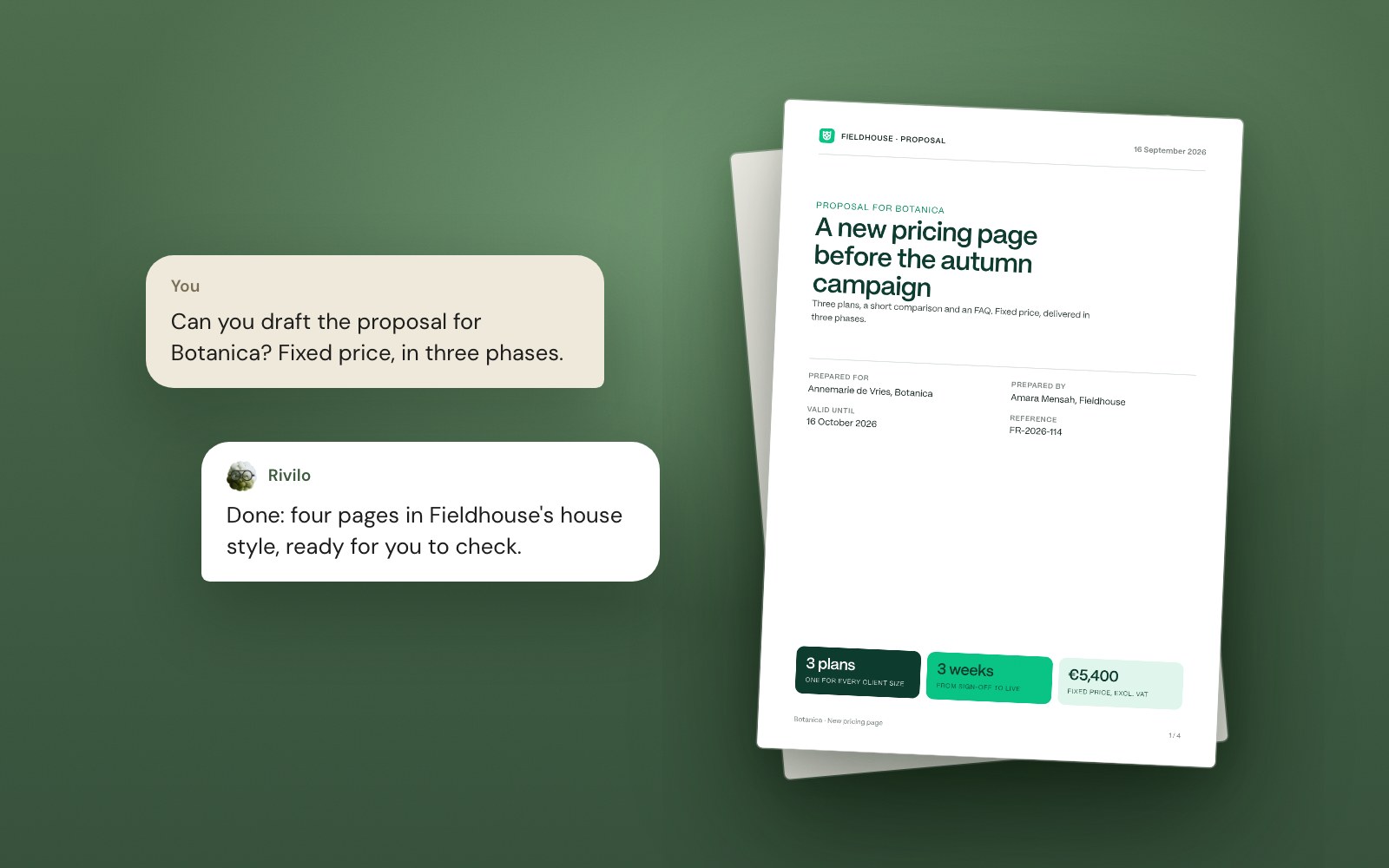
Rivilo does not guess how you want to approach it. Fixed price, retainer or time and materials: you choose, in one click.
4. A draft to check, not to write
The proposal comes out in your own house style, as a document or a deck. In our own tests, a client document went from about 90 minutes to a median of 20, across 36 documents.
Learn more

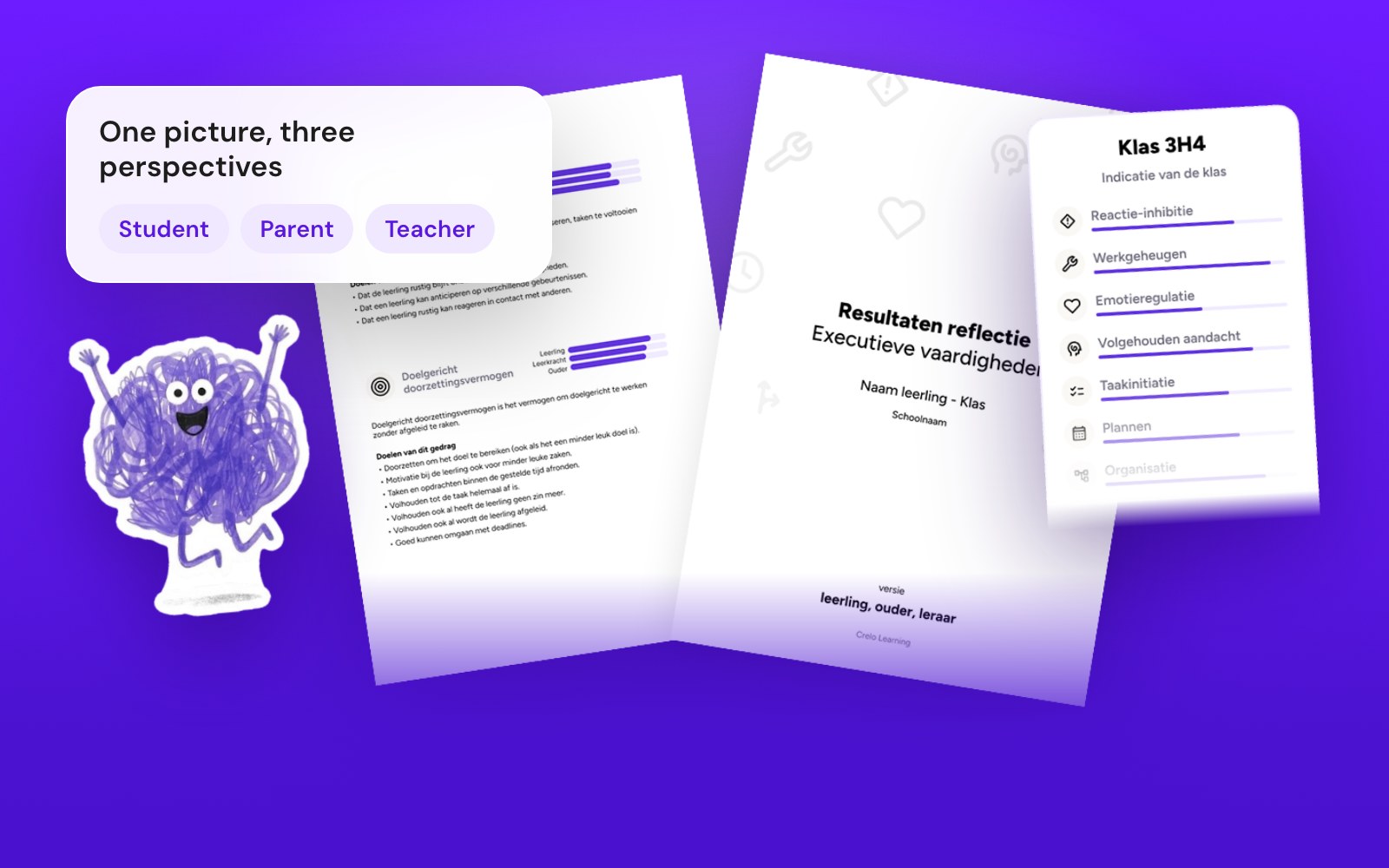
Future Ready partners with HvA and Stby to explore how robots can support autistic students
Together with HvA and Stby, we're exploring what robot interaction should look and feel like in education.

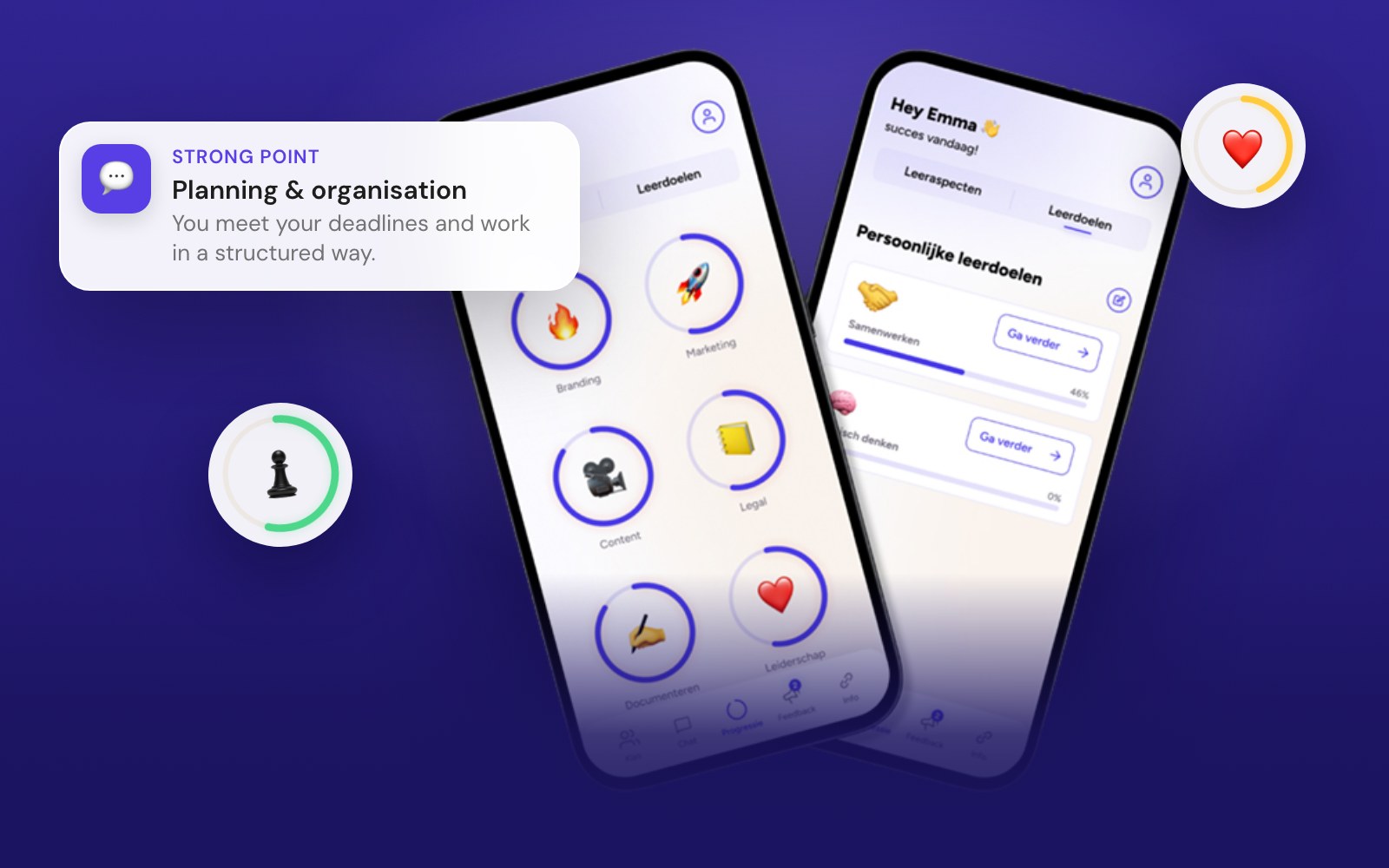
Why the best digital product might be one you barely use
Engagement doesn't equal impact. Value comes from solving the problem, not holding attention.

The European AI Act is in effect. Here's what actually matters.
It's not about checking boxes. It's about knowing what your AI actually does. Intro Text: Since August 2024, the AI Act is law in Europe. Most of what's been written about it reads like a compliance checklist. But the real question is simpler: do you know what your AI does, who it affects, and what happens when it's wrong?