
DigiHandig: a safe place to practise with your smartphone


Introducing DigiHandig
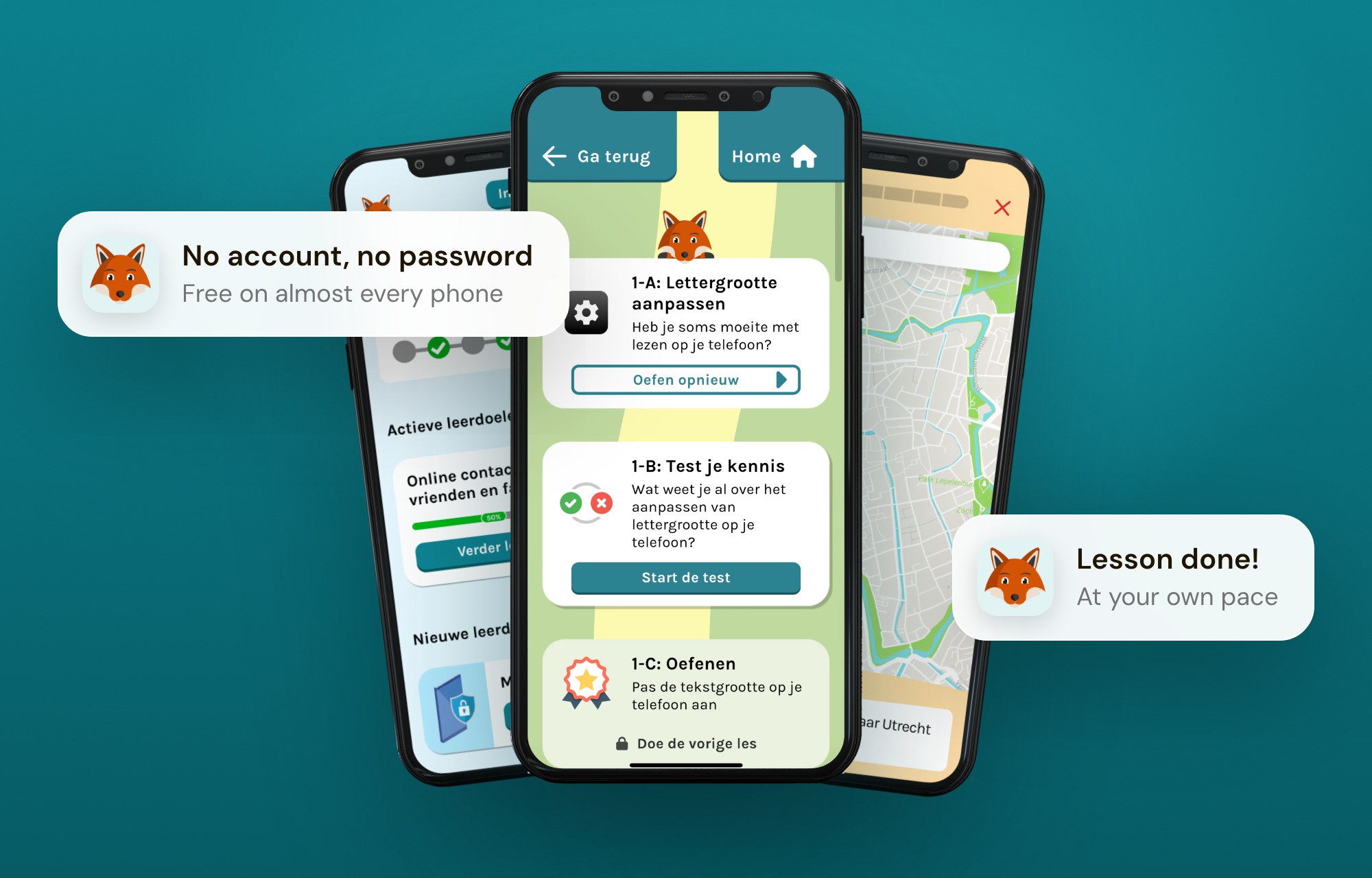
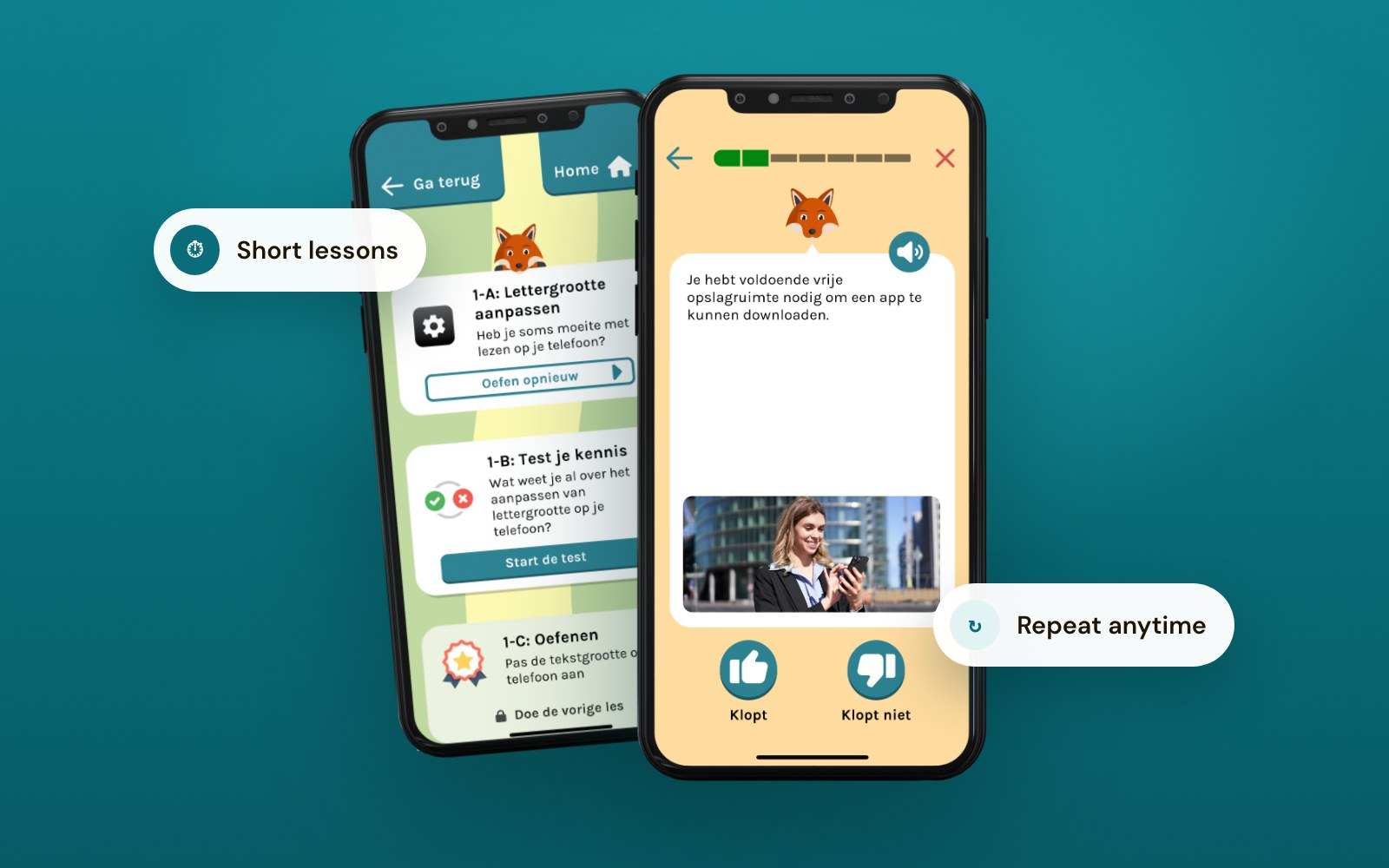
DigiHandig started in 2020 at New Future Lab in Delft, the building we share with our creative partner, launched with the Dutch Ministry of the Interior (BZK) and built together with Game Tailors. Future Ready helped build it from the ground up and made its website, accessibility first, so the people it is for can actually use it. DigiHandig is a free app with a practice environment: replica apps where people can try sending a photo, planning a route or banking online, and nothing can go wrong. There's no account, so nothing personal is stored. Short lessons and quizzes keep it light, and every step can be repeated as often as needed.

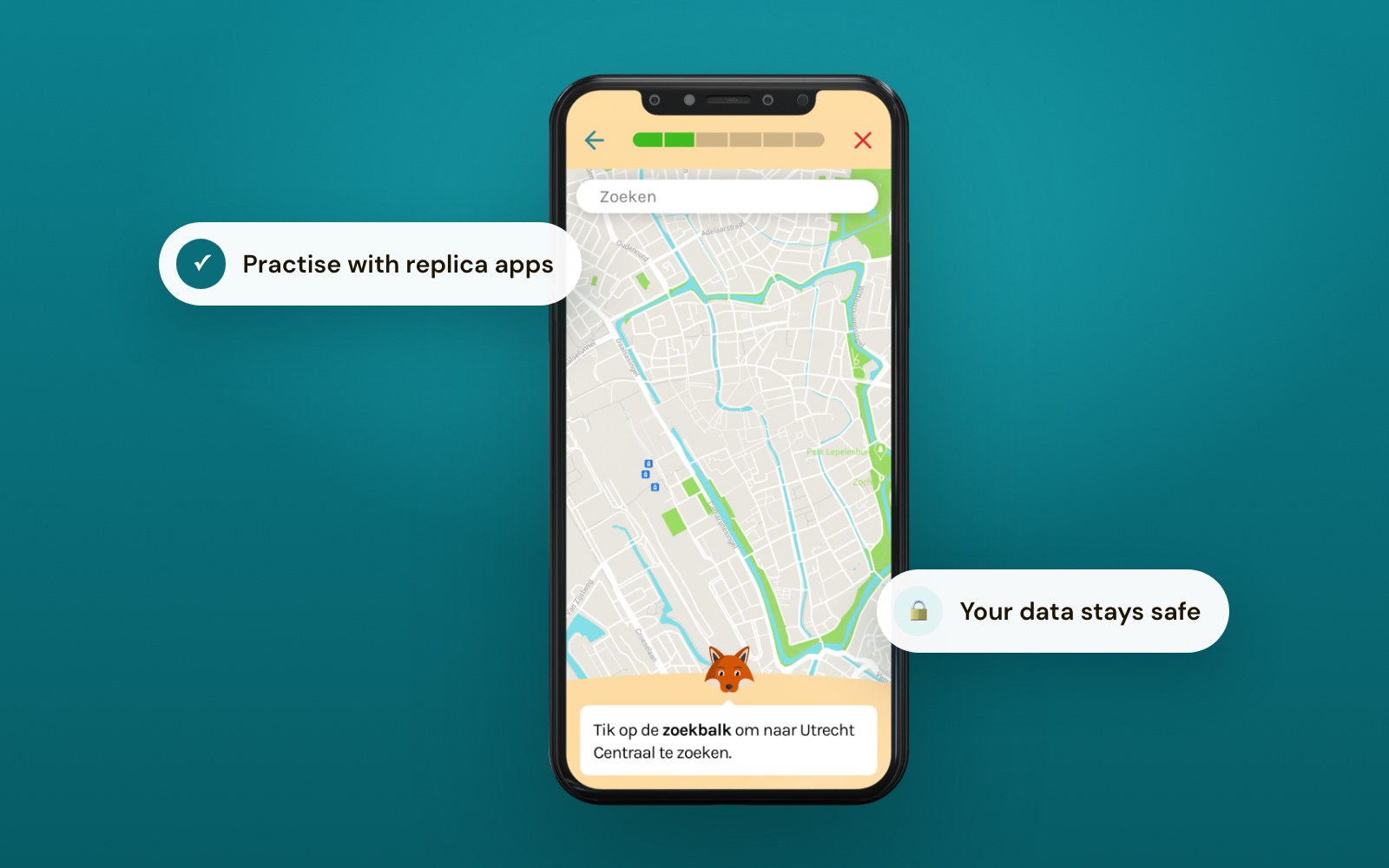
1. Practise on replicas, not the real thing
Every lesson runs in replica apps. Users can tap anything and make mistakes without consequences, so they dare to try.
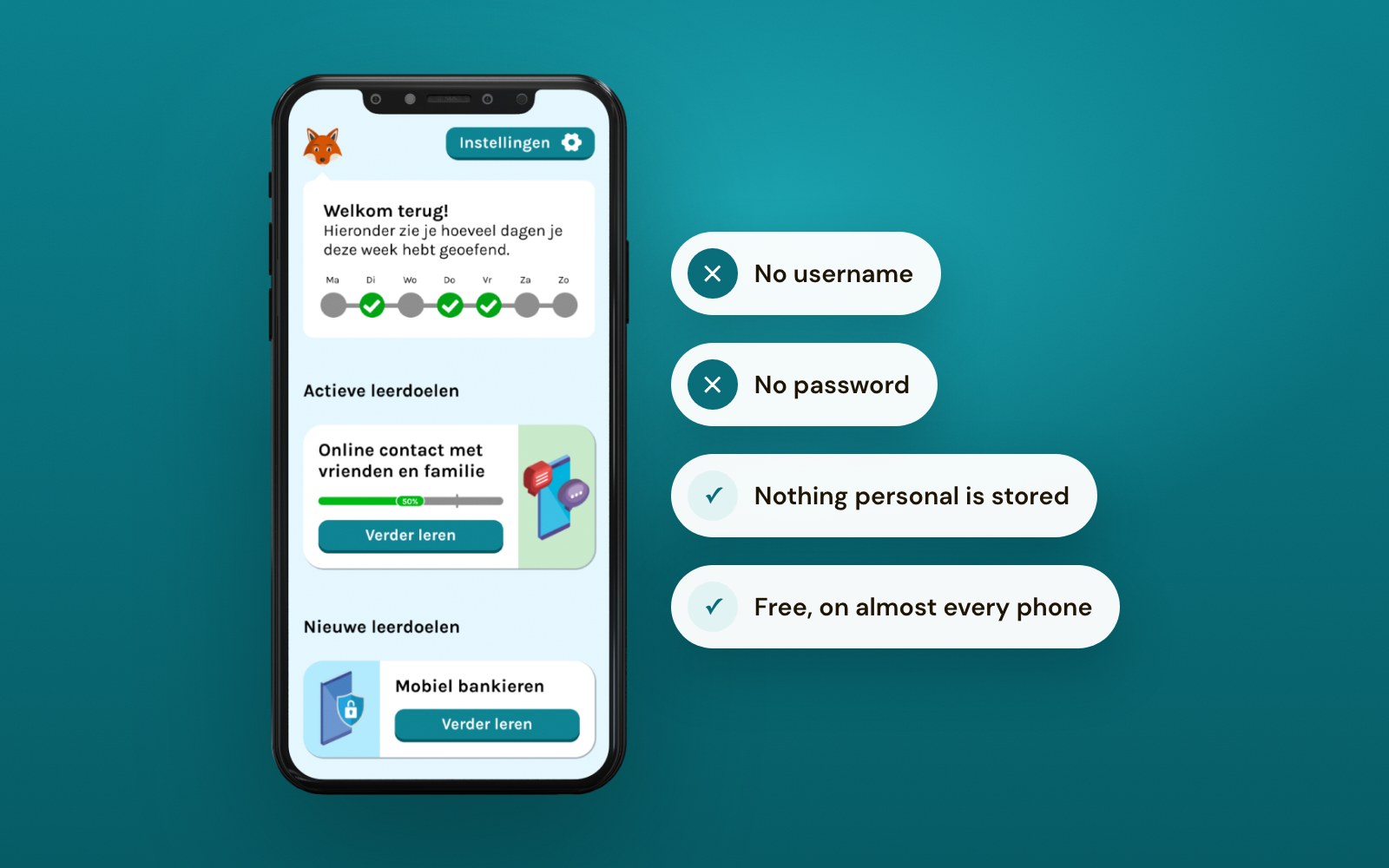
2. No account, no password
Installing is the first hurdle, so DigiHandig asks for nothing: no username, no password, no personal data. Everything stays anonymous.
3. Their own pace, as often as needed
Short lessons, lots of repetition, quizzes. Users learn not just which button to press but how apps work and what the risks are, which makes it stick.
4. Built for the people who help
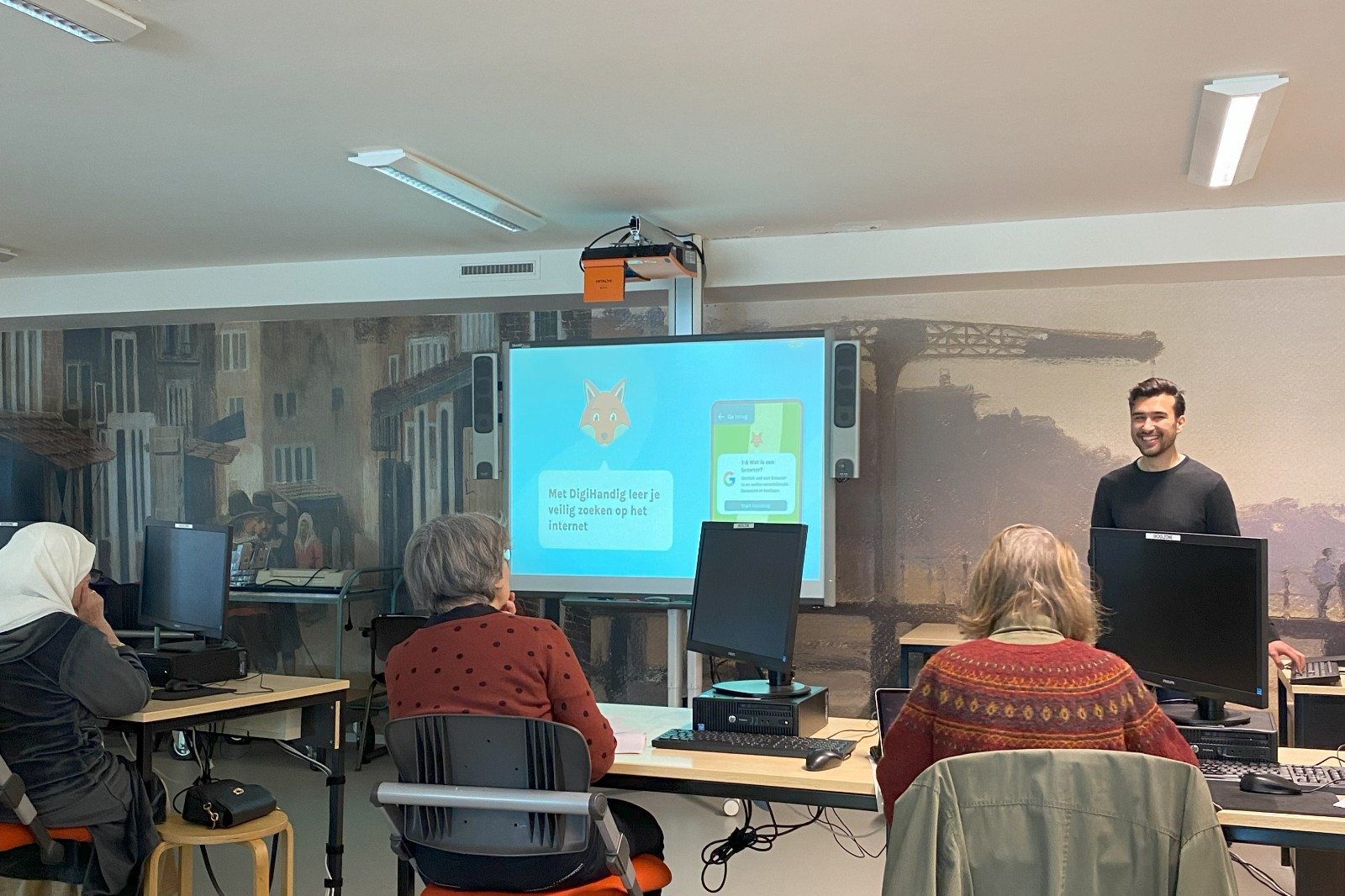
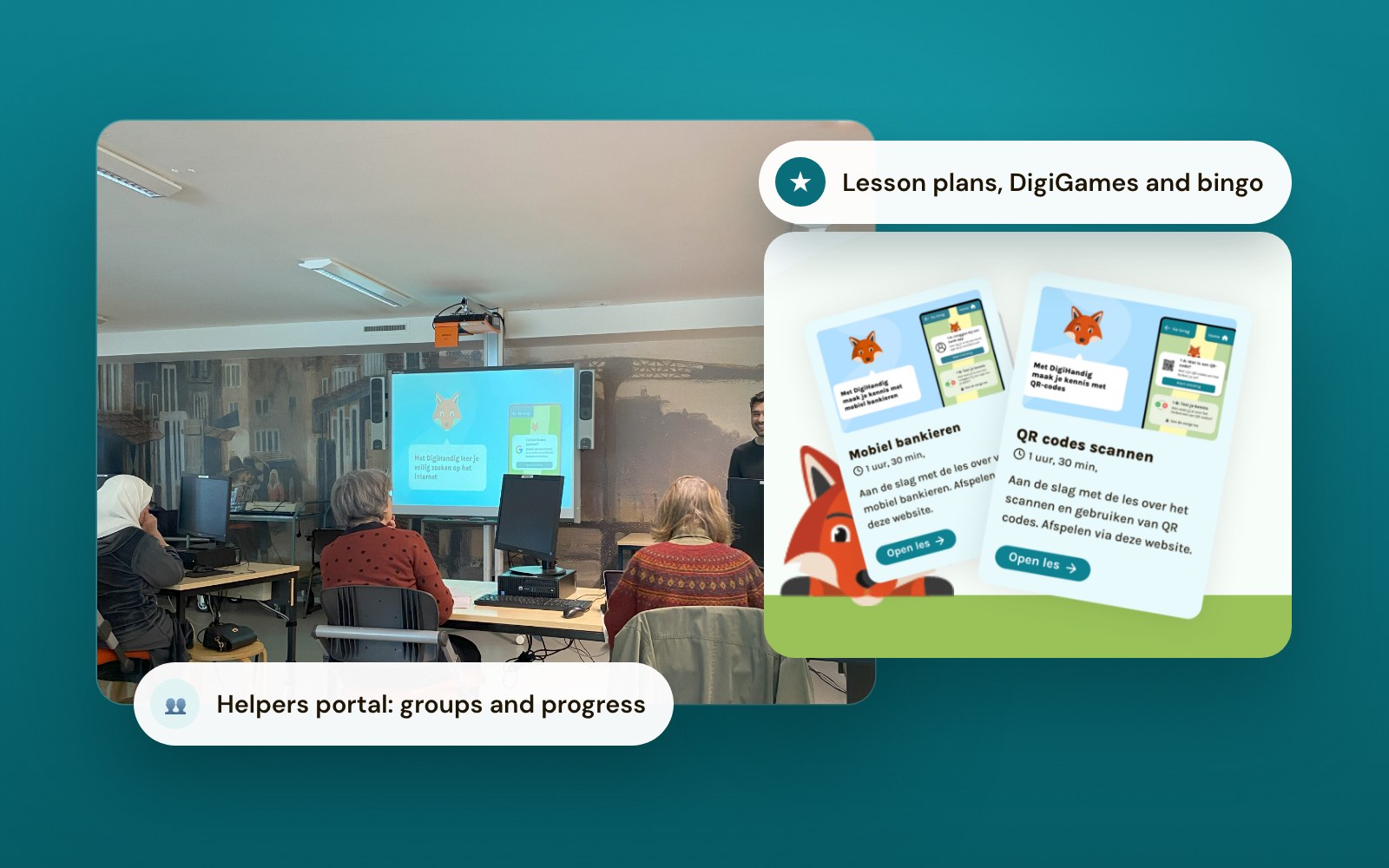
Libraries and community centres use the Helpers portal to create groups, set lessons and follow progress, with lesson plans, DigiGames and bingo for group sessions.
Digital inclusion happens in the neighbourhood
An app alone doesn't close the gap. DigiHandig works with the DigiHulplijn, the Informatiepunt Digitale Overheid, libraries, community centres and care organisations, so people find help close to home. New modules can be set up within weeks when a new need comes up.
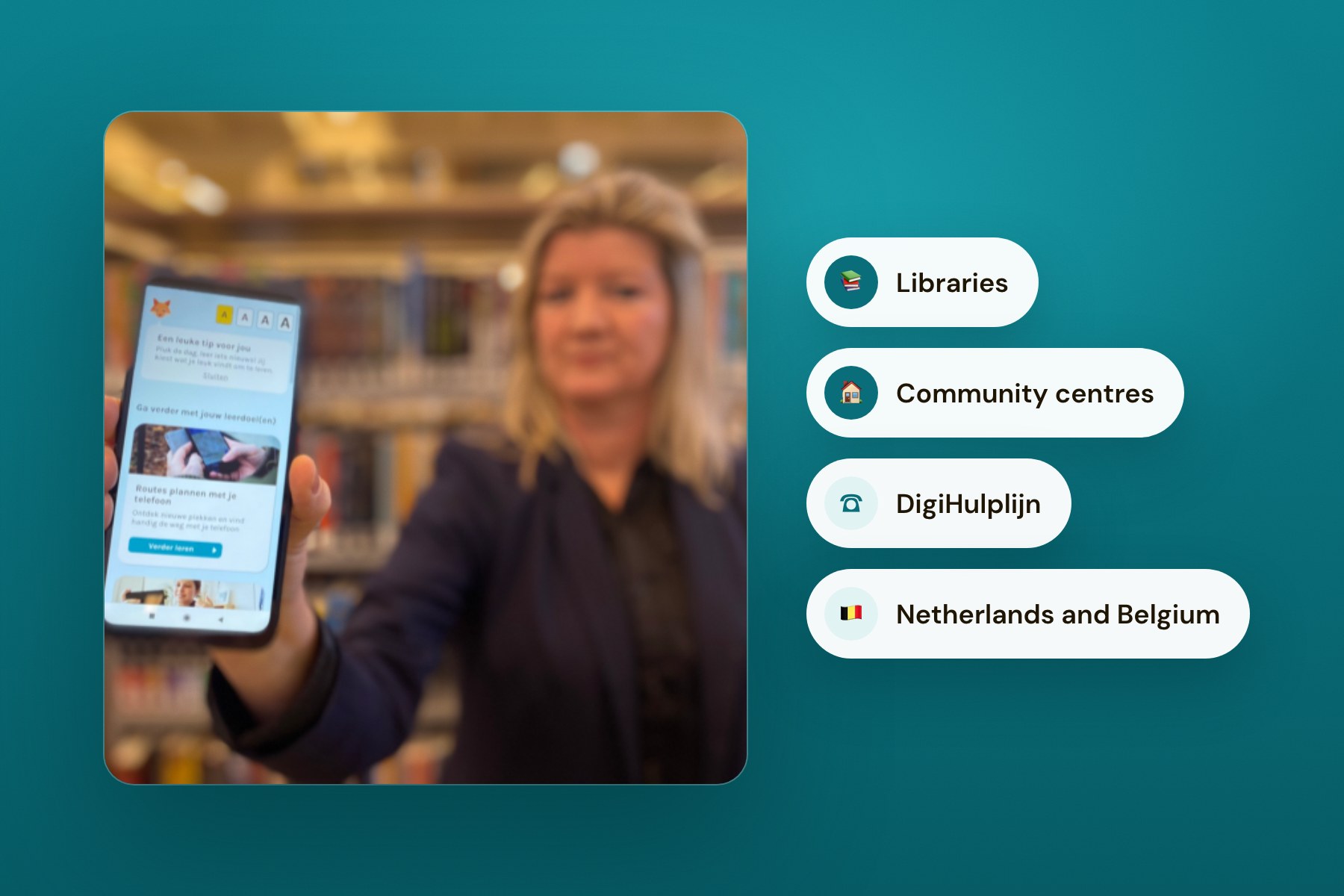

I can work at my own pace and learn about apps easily. This way of learning has really caught on in our housing complex. People keep asking me about it.
Learn more

Future Ready partners with HvA and Stby to explore how robots can support autistic students
Together with HvA and Stby, we're exploring what robot interaction should look and feel like in education.

Why the best digital product might be one you barely use
Engagement doesn't equal impact. Value comes from solving the problem, not holding attention.
The European AI Act is in effect. Here's what actually matters.
It's not about checking boxes. It's about knowing what your AI actually does. Intro Text: Since August 2024, the AI Act is law in Europe. Most of what's been written about it reads like a compliance checklist. But the real question is simpler: do you know what your AI does, who it affects, and what happens when it's wrong?