
Crelo: making executive functioning visible in education
introducing crelo
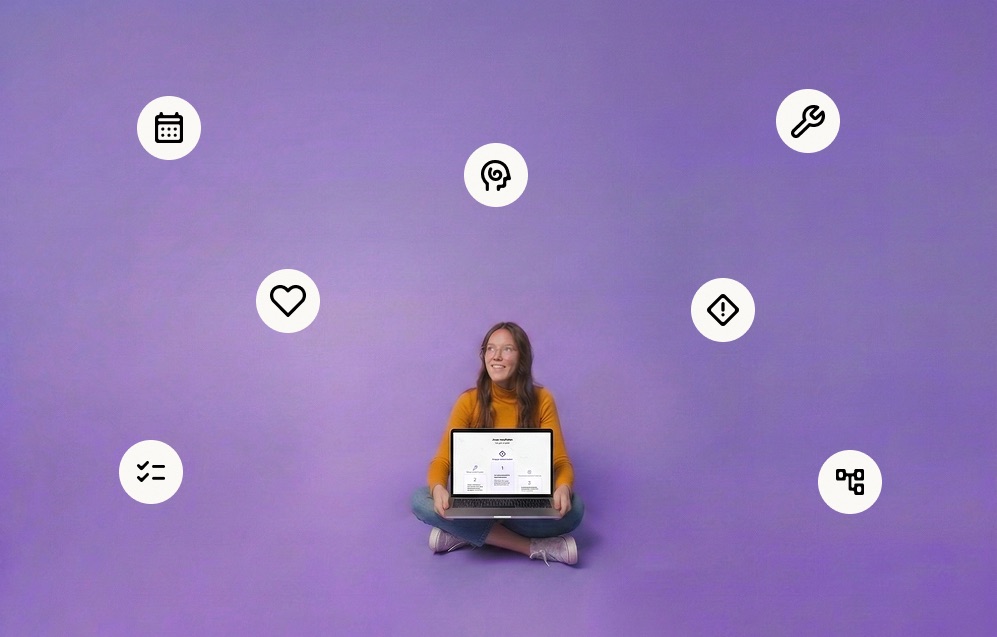
We spent months inside schools before we wrote a single line of code. Observing classrooms, interviewing teachers, testing ideas with students and parents. The insight was clear: teachers were already aware of executive functioning challenges. But their plates were too full to do anything structured about it. So we built Crelo in co-creation with schools, teachers, students, and parents. A platform where a 15 to 20 minute reflection from three perspectives, student, parent, and teacher, replaces a process that used to take months. Not in months but in 20 minutes.
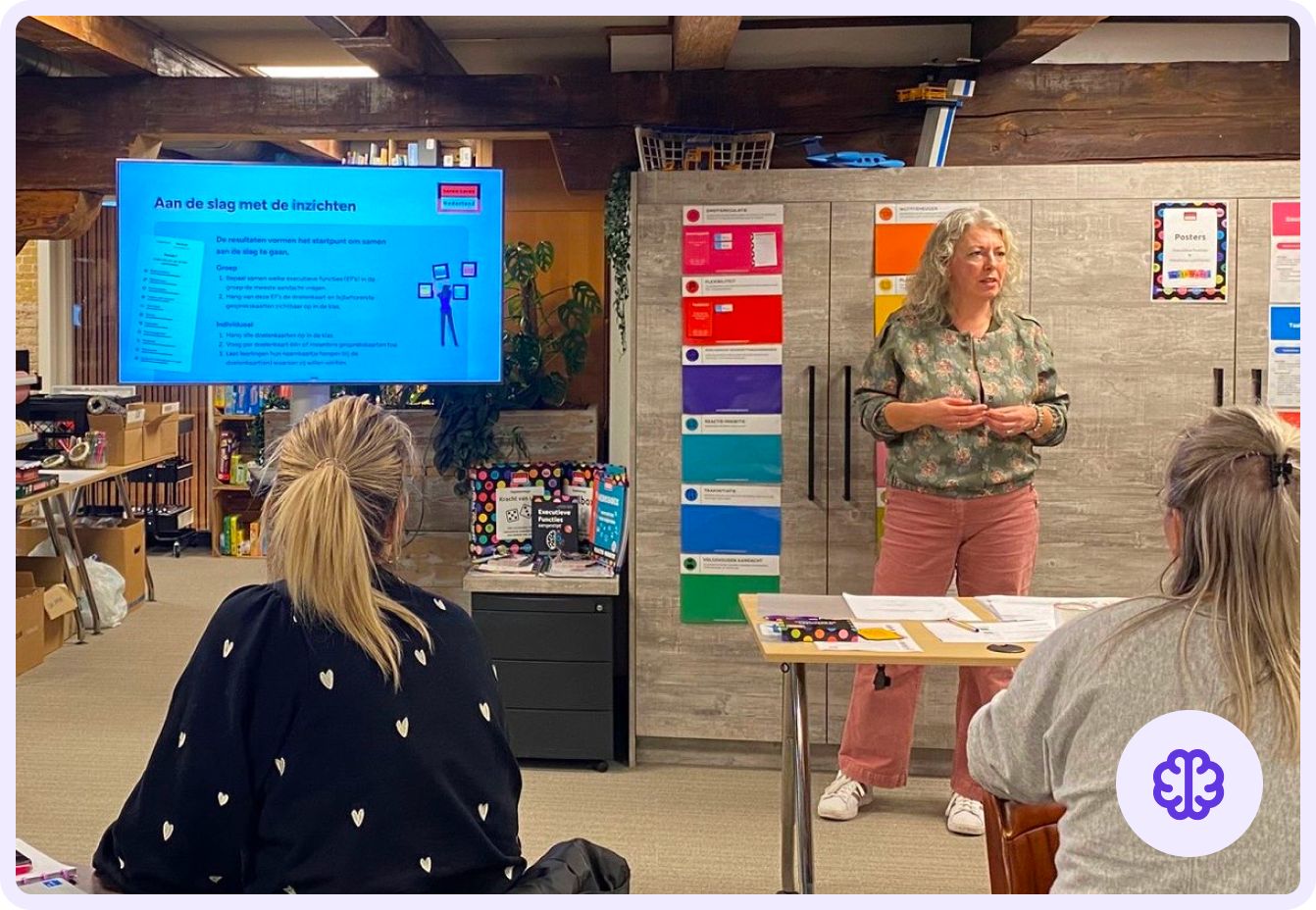
What if a digital tool's real job is to start human conversations?
Crelo does not try to solve executive functioning challenges on a screen. The platform makes something visible that was always there but hard to talk about. That visibility changes things. Teachers recognize patterns they sensed but couldn't prove. Parents see their perspective next to their child's for the first time. Students discover they're further along than they thought, or understand where they need support. The awareness spreads. From recognition to conversation. From conversation to a more inclusive approach. The digital tool is small on purpose. Its job is to kickstart what matters most: human connection, reflection, and support.
How do you create a platform that is accessible for everyone? (Teacher, Student and Parent)
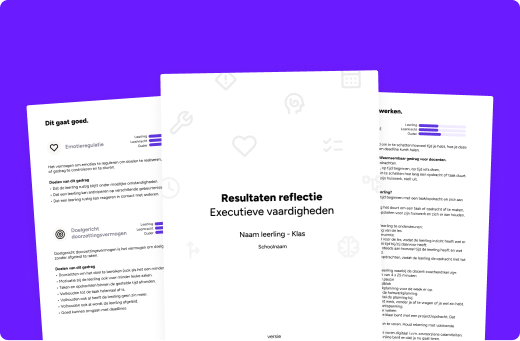
1. Make it extremely easy to use
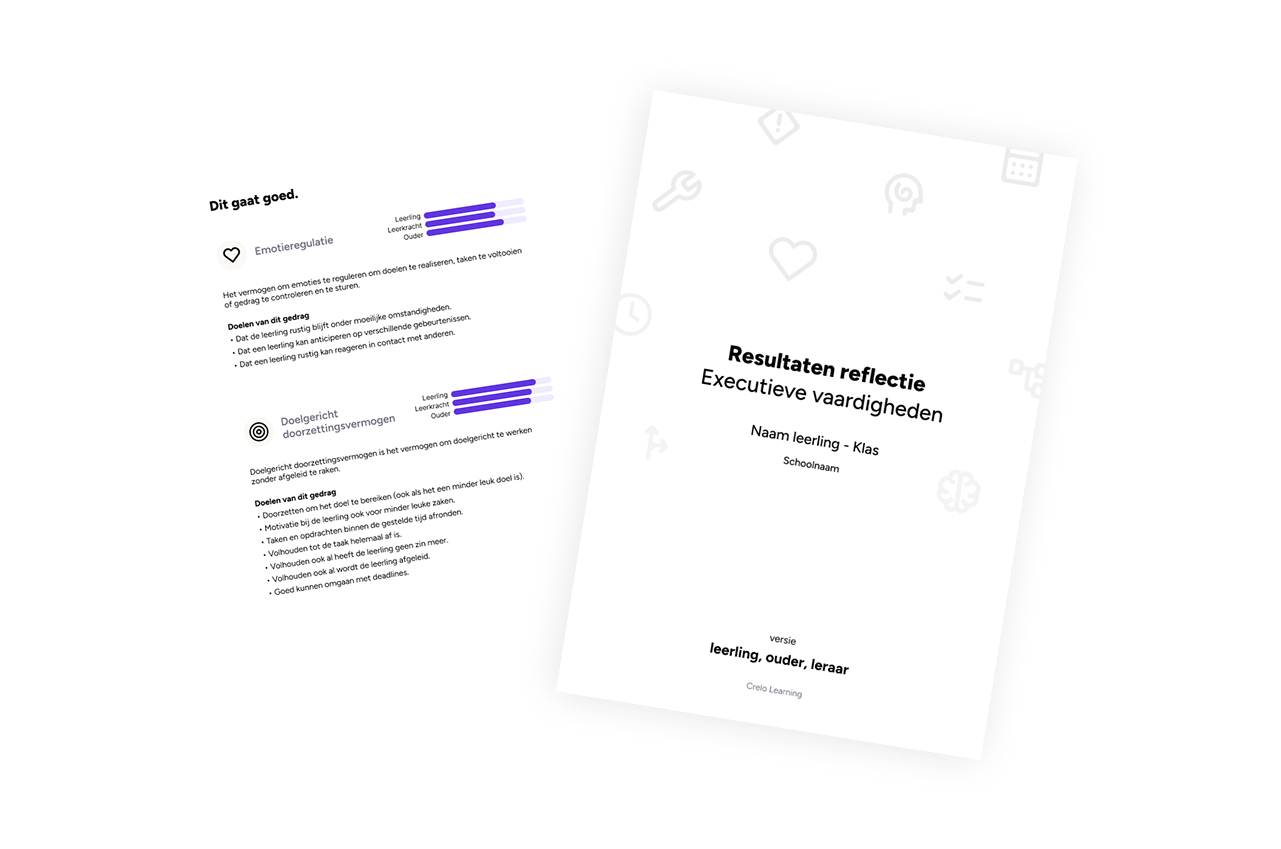
With a single click, teachers can generate reports of their students. These reports provide valuable insights and recommendations to help students take the next step in their development.
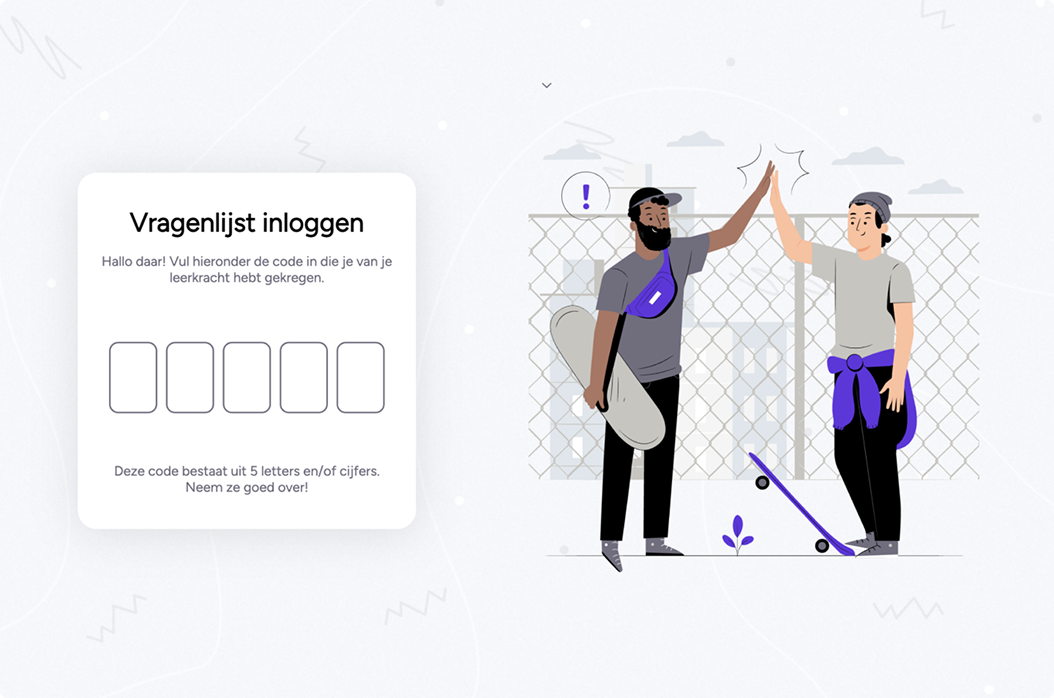
2. Privacy first: collect only the absolute minimum amount of data necessary
Crelo collects as little data as possible. With a smart login method, Crelo does not need to store any personal information about students.
3. Keep it accessible and low-effort
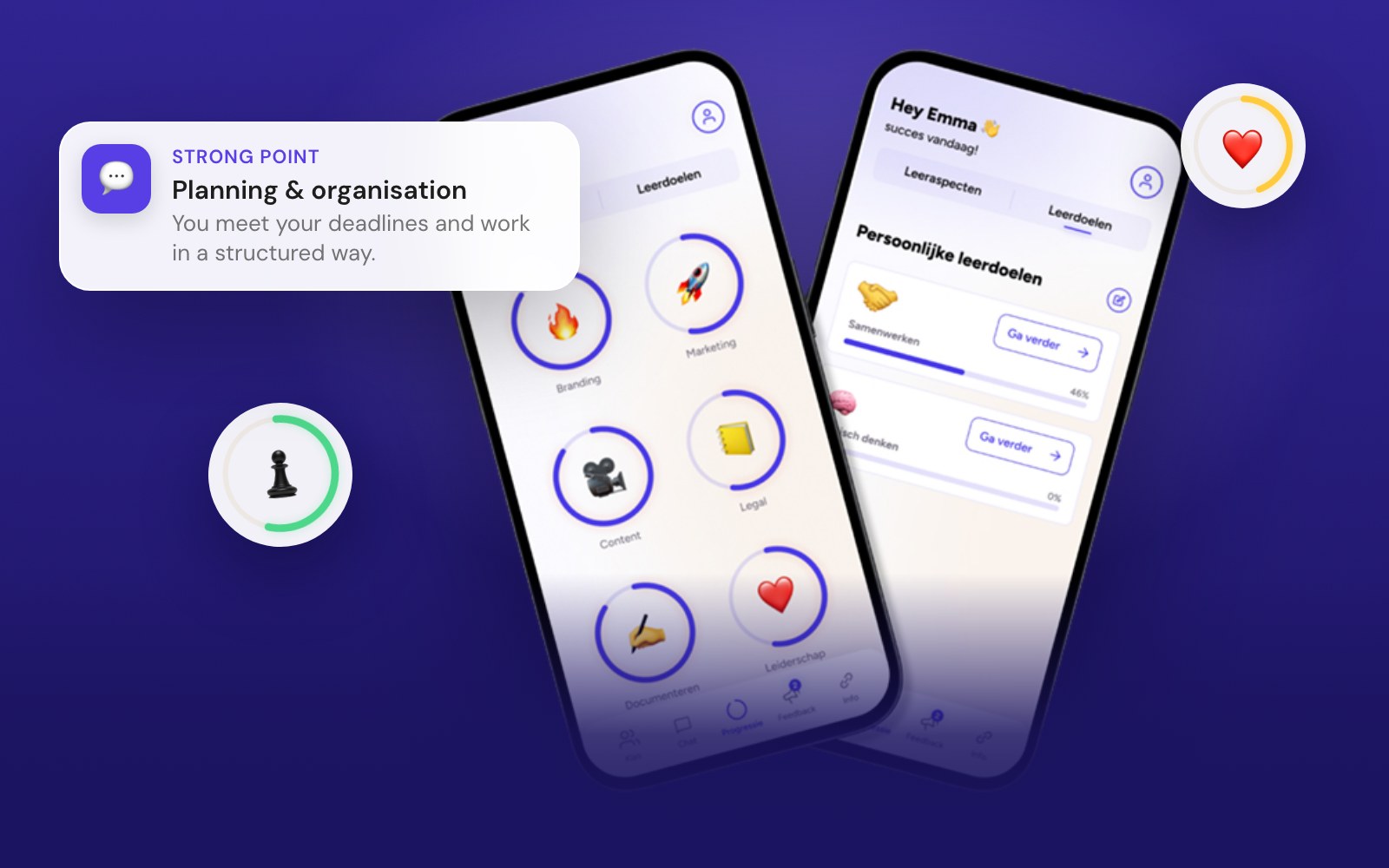
Crelo uses accessible reflections that students, parents, and teachers can complete in 10–15 minutes.
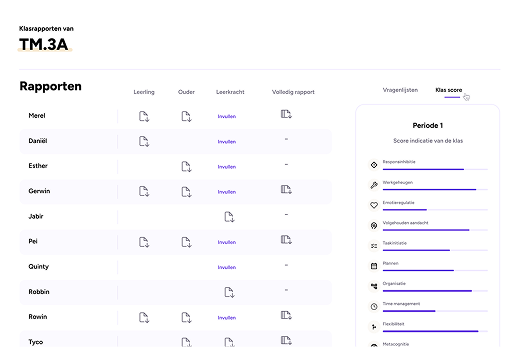
4. Create overview with clear dashboards that guide you
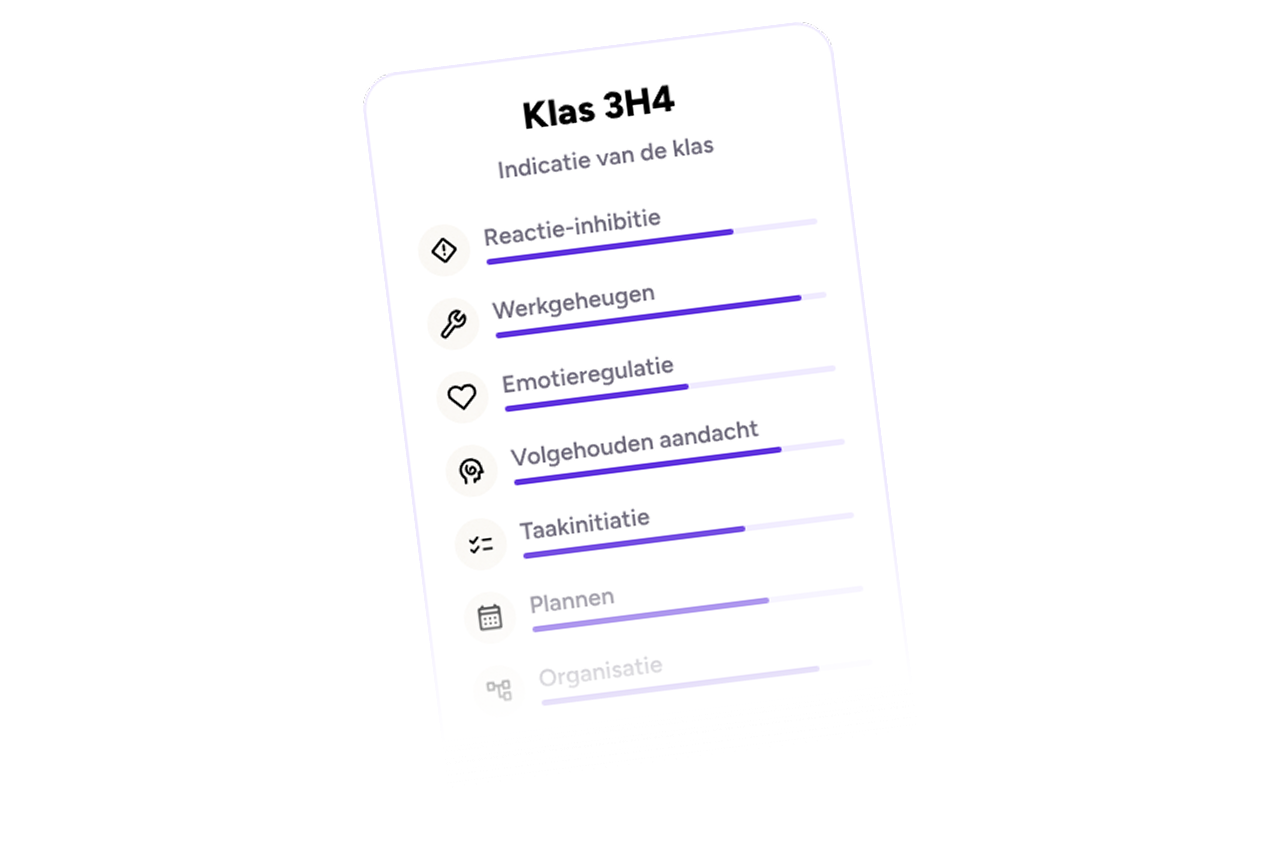
A clear and simple overview of your class so teachers can easily decide what to focus on.
Learn more

Future Ready partners with HvA and Stby to explore how robots can support autistic students
Together with HvA and Stby, we're exploring what robot interaction should look and feel like in education.

Why the best digital product might be one you barely use
Engagement doesn't equal impact. Value comes from solving the problem, not holding attention.

The European AI Act is in effect. Here's what actually matters.
It's not about checking boxes. It's about knowing what your AI actually does. Intro Text: Since August 2024, the AI Act is law in Europe. Most of what's been written about it reads like a compliance checklist. But the real question is simpler: do you know what your AI does, who it affects, and what happens when it's wrong?